手把手教你克隆音色!
正式开始
请全程魔法
安装Git Lfs: git lfs install
克隆仓库: index-tts/index-tts: An Industrial-Level Controllable and Efficient Zero-Shot Text-To-Speech System
拉取Git Lfs文件: git lfs pull
安装UV(Python包管理器,类似pip): pip install -U uv
安装依赖: uv sync --extra webui
安装hf-cli: uv tool install "huggingface-hub[cli,hf_xet]"
从hf下载模型: hf download IndexTeam/IndexTTS-2 --local-dir=checkpoints
运行web UI: uv run webui.py
浏览器打开 7860 端口
简单使用
WebUI页面长这样
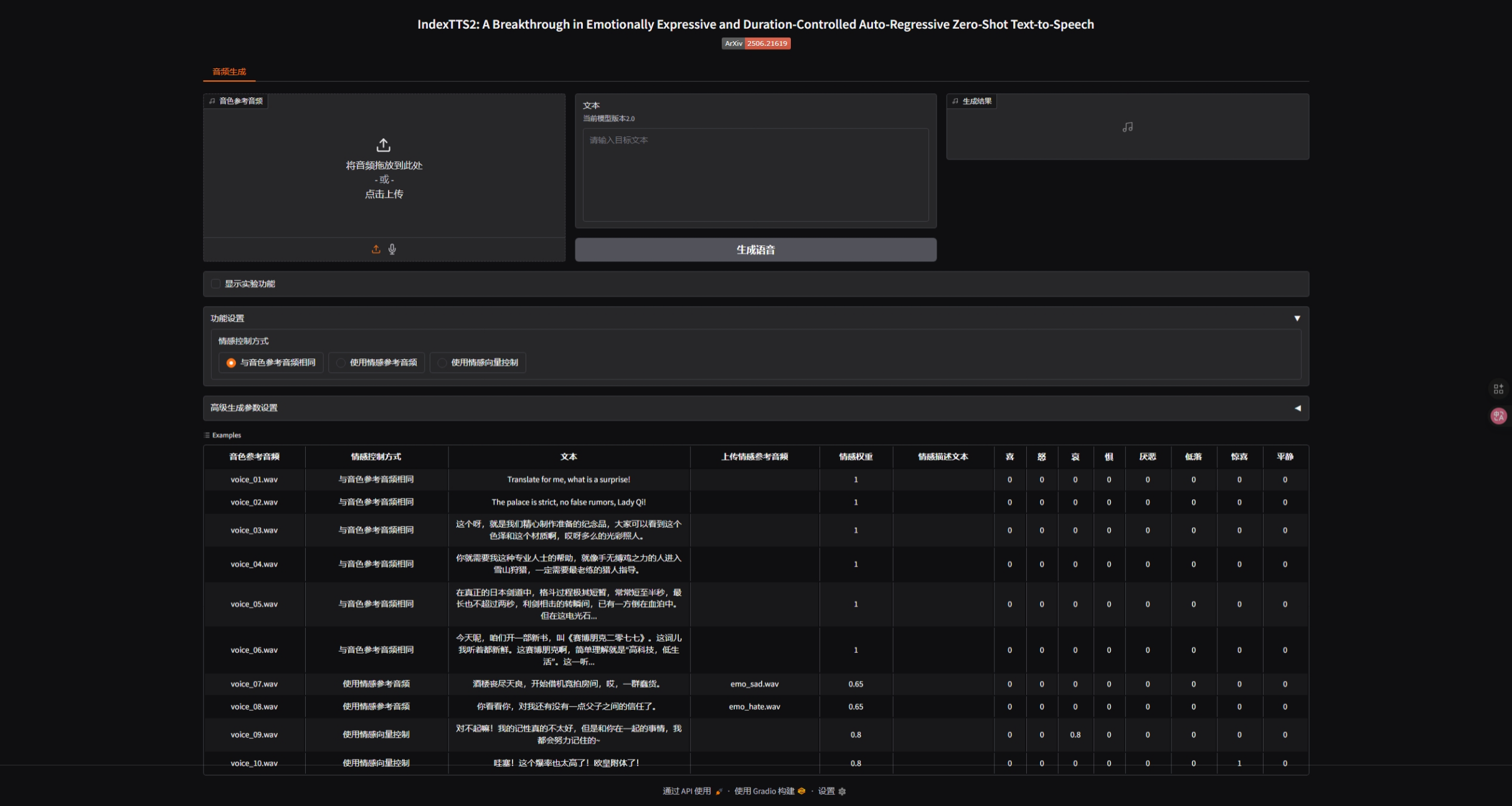
首先将音色参考音频输入(几秒即可)
然后输入要朗读的文本
最终点击生成
调教
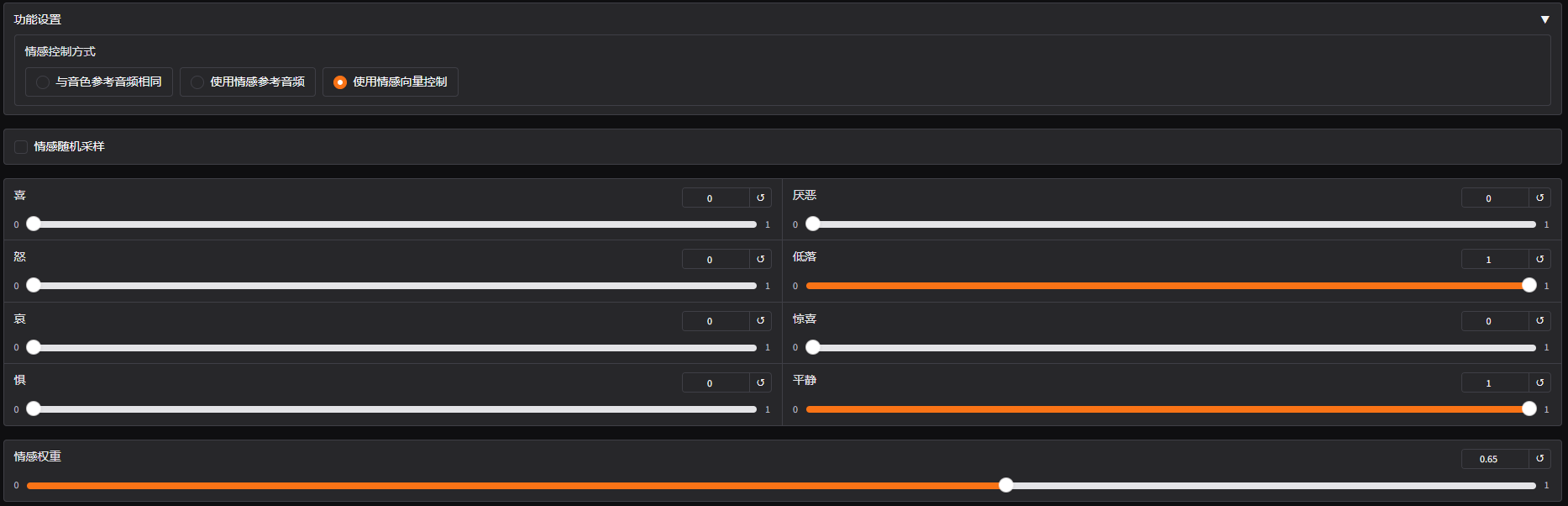
推荐使用 使用情感向量控制